

Playing Your Own Music at That Chapel Downtown
You can play your own wedding music at That Chapel Downtown. Before your ceremony, download the Sonos app, create your playlist and choose someone to control the music. On the day, our Chapel Host will help that person connect to our speaker.
Prepare your wedding music before you arrive
First, download the Sonos app to your phone. Ask whoever will control your music to download it too. You can connect to our speaker when you arrive at the chapel.

Next, create a wedding playlist in your chosen streaming service. For a ceremony, include songs for walking down the aisle, your first kiss and walking back up the aisle together. For an event, add the songs you want to hear through our speaker.
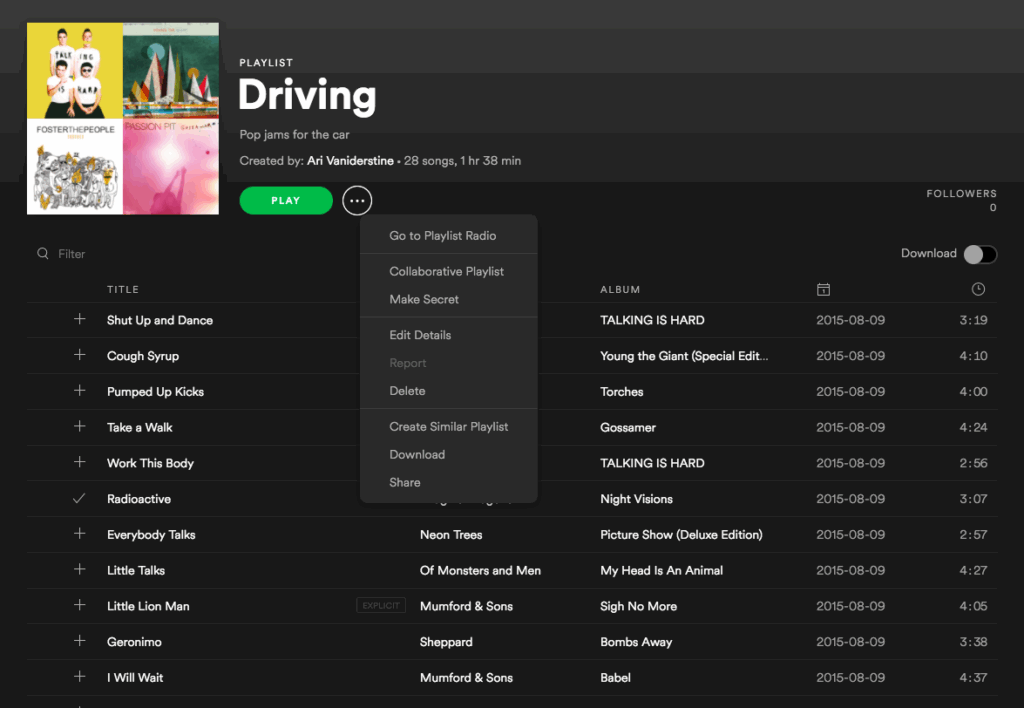
Then share the playlist with the person controlling your wedding music. Make sure they know which song belongs to each ceremony moment. That way, you can enjoy your vows rather than manage your phone.
Connect your wedding music on the day
Ask your music helper to arrive with you, before your guests. Connecting to the speaker is easier with fewer people in the space. Our Chapel Host will guide them through these steps:
- Connect to TCD’s Wi-Fi: TCDTRL. Password: welovethe90s.
- Once connected, open the Sonos app.
- When the app asks whether you want to join an existing speaker, select that option.
- Confirm that your phone connects to our speaker.
- Open your saved playlist in your streaming service. Use the speaker control and select MAIN SPACE.
- Ask a Chapel Host for help if you have any trouble connecting or playing your music.
Need help planning the rest of your ceremony?
Our guide to eloping at That Chapel Downtown explains how to choose your package and reserve your date. For music questions before your wedding, email admin@thatchapeldowntown.com.
XOXO,
TCD


Be the first to comment